How to create your Shopify app affiliate program?
Installs from the Shopify App Store don’t pass referral links or cookies to your app. So your Shopify app affiliate program runs on a referral code the merchant enters in your app, with the installer’s IP as a back-up match.
-
Add your Shopify app
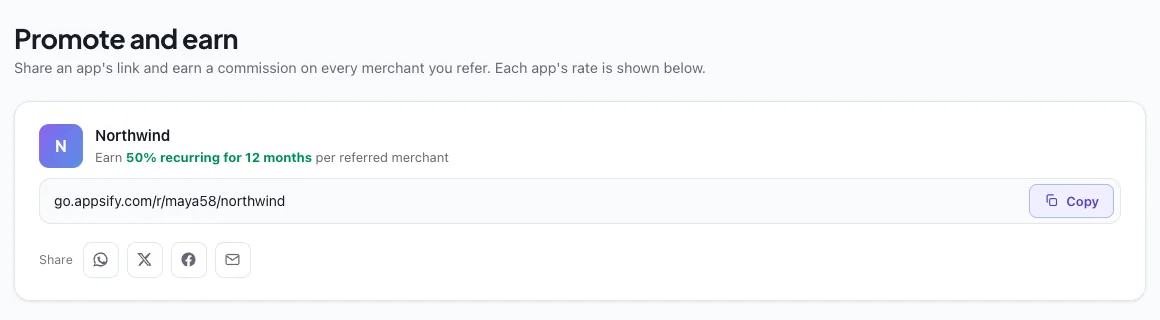
In the owner dashboard, open “+ Add an app”, name it and set the commission. Recurring for 12 months at 50% is shown here as an example.

-
Ask for the code in your app
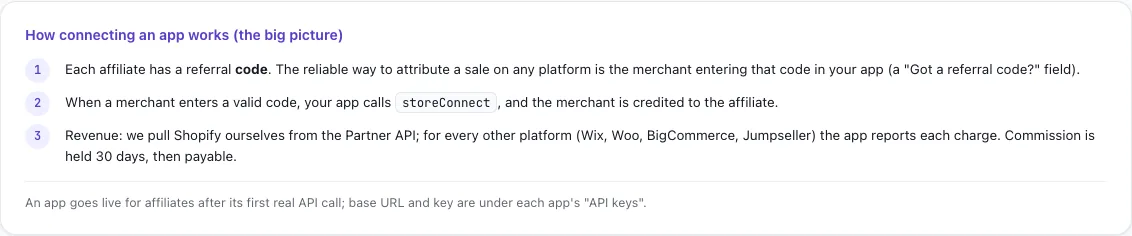
Show a “Got a referral code?” field in your app. When the merchant enters a code, your app calls storeConnect with platform shopify, the shop domain and the code. At install you can also send the installer’s IP, which matches a click on an affiliate link made within the previous 30 days.
-
Let Appsify collect the revenue
For Shopify, Appsify pulls charges from the Shopify Partner API, so your app doesn’t report Shopify charges. Each commission is held for 30 days before it becomes payable, and refunds are clawed back.
-
Connect the app
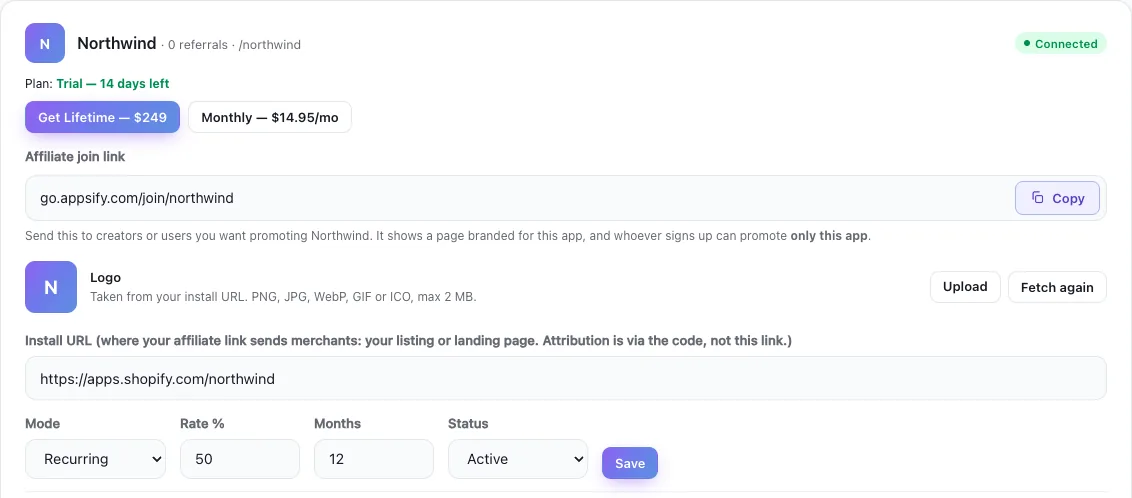
Generate an API key, set the install URL to your Shopify App Store listing and save. The app shows Connected after its first real API call.
-
Publish your program
Share the app’s affiliate join link. Affiliates who join see your app with its commission and get their own link to share.